GST & Tax
GST E-Invoicing for MSMEs: Who, When and How
By ATTPL Consultancy Marketplace Editorial Team · · 3 min read
A plain guide to GST e-invoicing for MSMEs: applicability, the IRN and QR code process, IRP portals, common errors, timelines and tips.
What e-invoicing means
E-invoicing under GST has moved from large companies to a much wider group of businesses as the turnover threshold has been lowered over the years. For a growing MSME, crossing the threshold means business-to-business invoices must be reported to the Invoice Registration Portal (IRP) to be valid. Getting the process right avoids rejected input tax credit claims, unhappy customers and penalties.
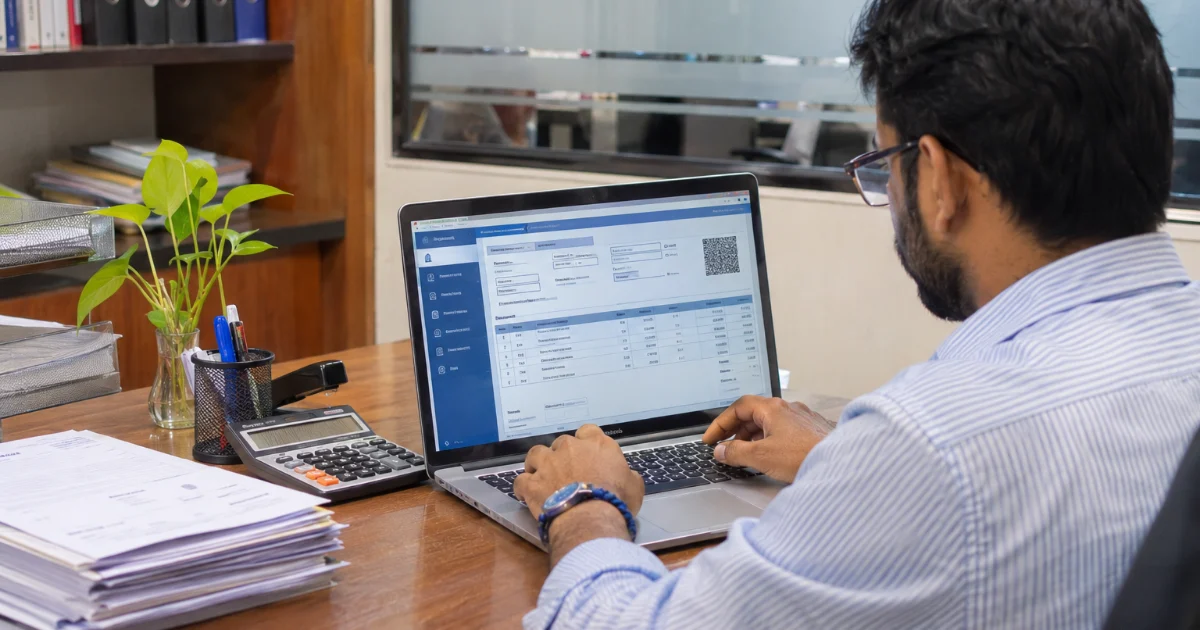
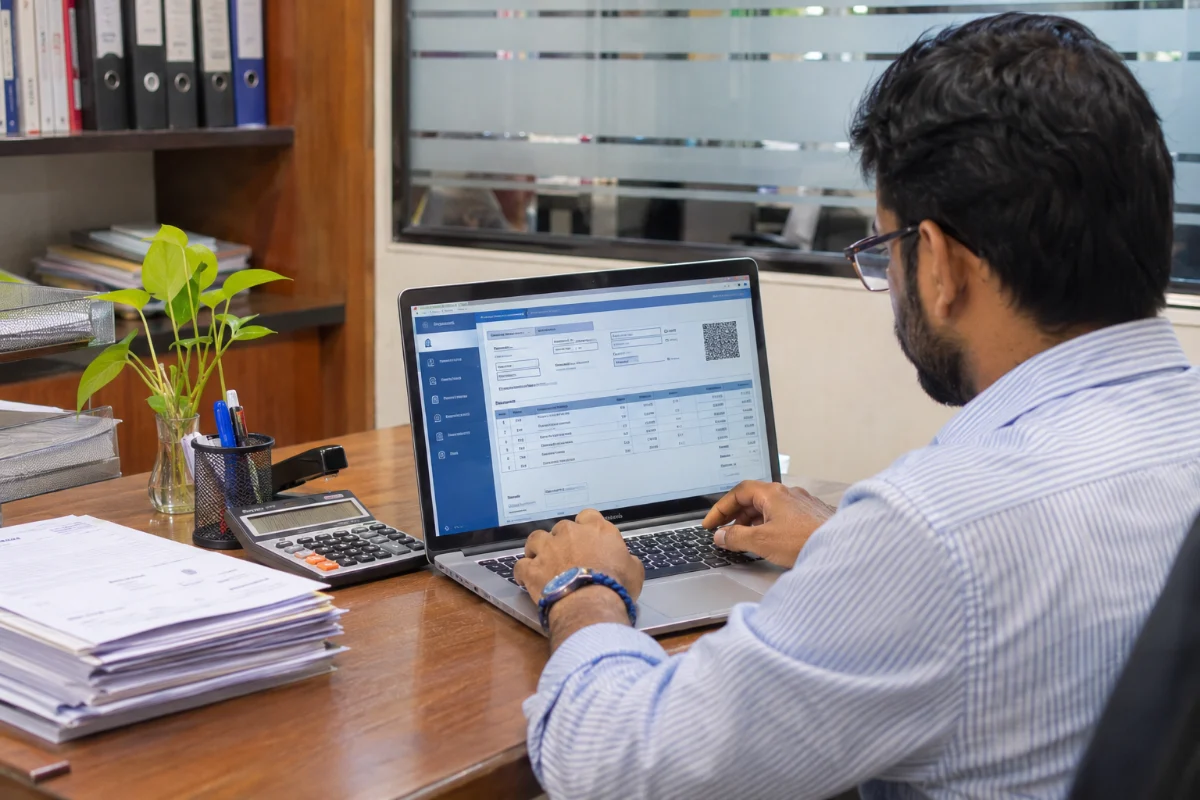
E-invoicing does not mean creating invoices on a government website. You still prepare invoices in your own accounting or billing software. The invoice data is then reported to an IRP in a standard format. The IRP validates it, assigns a unique Invoice Reference Number (IRN) and returns a digitally signed invoice with a QR code, which must be printed on the invoice copy shared with the customer.
Who must issue e-invoices
Applicability is based on aggregate annual turnover in any preceding financial year from 2017-18 onwards, and the threshold has been reduced in phases through CBIC notifications. Some categories — such as certain banks, insurers, goods transport agencies and passenger transport services — are exempt. Check the current threshold on the official e-invoice portal before deciding, and track your turnover each year.
- E-invoicing applies mainly to B2B supplies, exports and certain credit and debit notes.
- B2C invoices generally do not need IRNs, though dynamic QR code rules may apply to large businesses.
The process step by step
- Prepare the invoice in your billing software.
- Generate the e-invoice JSON in the prescribed schema.
- Upload to an IRP directly, through a GSP or via integrated software.
- Receive the IRN, signed invoice and QR code.
- Share the signed invoice with the customer.
Details from e-invoices flow automatically into GSTR-1 and, where applicable, help generate e-way bills, reducing duplicate data entry.
Time limits and common errors
Large taxpayers above a specified turnover have a time limit for reporting invoices to the IRP after the invoice date; invoices reported late may be rejected. Common errors include wrong GSTINs, incorrect HSN codes, mismatched tax amounts and duplicate invoice numbers. Clean master data — customer GSTINs, product HSN codes and tax rates — prevents most problems. Our guide to GST registration in Jaipur covers the basics.
Cancelling and amending
An IRN can be cancelled within a short window after generation, but partial cancellation is not allowed. After that, corrections must be made through credit or debit notes or amendments in GSTR-1. Build a clear internal approval step before invoices are reported, so that errors are caught early. Monthly reconciliation, as explained in our bookkeeping checklist, helps keep records aligned.
Choosing the right method
Businesses can report invoices to the IRP in different ways. Small businesses with few invoices may use the free utilities or offline tools offered on the e-invoice portals. Businesses with many invoices often prefer billing or ERP software that integrates directly with an IRP through APIs or a GST Suvidha Provider. The right method depends on invoice volume, existing software and in-house skills. Test the chosen method with a few invoices before the applicability date so that billing is not disrupted.
Customer and vendor communication
Inform customers that your invoices will now carry an IRN and QR code, and ask key vendors whether they are covered by e-invoicing. As a buyer, check that invoices from covered suppliers carry valid IRNs, because input tax credit depends on valid documents. Agree on a contact point for invoice corrections so that errors are resolved quickly through credit or debit notes.
Preparing your business
- Track turnover against the threshold every year.
- Choose billing software that supports e-invoicing.
- Clean customer and product master data.
- Train billing staff and set a review process.
- Reconcile e-invoice data with GSTR-1 and books monthly.
Customer and invoice data can be organised in ATTPL CRM, while billing software and integrations are handled by ATTPL IT. For e-invoicing setup and GST compliance support, contact ATTPL Consultancy.
Frequently asked questions
Does e-invoicing apply to B2C invoices?
Generally no. E-invoicing applies mainly to B2B supplies, exports and certain notes, though separate QR code rules may apply to large businesses for B2C.
Is an invoice valid without an IRN?
For businesses covered by e-invoicing, a B2B invoice without a valid IRN is not treated as a valid tax invoice.
Can an e-invoice be cancelled?
Yes, within a short window after generation, and only in full. Later corrections need credit or debit notes.
Is there a cost to generate e-invoices?
The government portals provide free utilities; costs arise only if you choose paid software or GSP services.
Sources and further reading
General information only. GST rules and thresholds change through notifications; verify current requirements with the GST portal or a qualified professional.